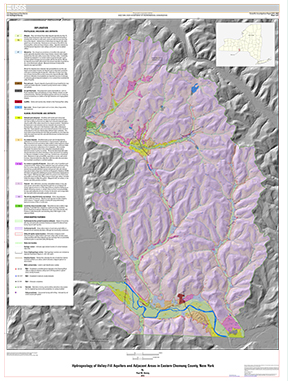
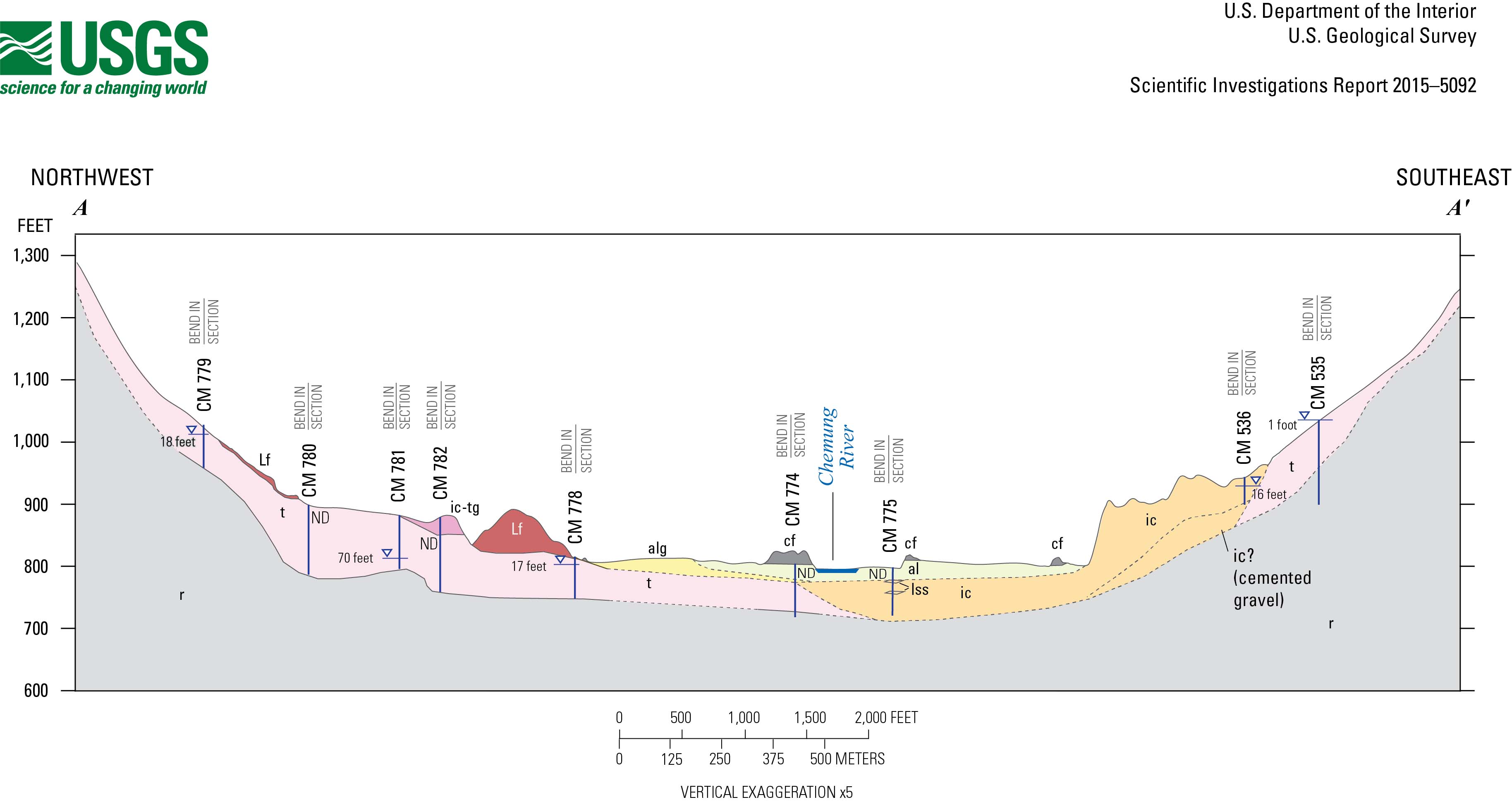
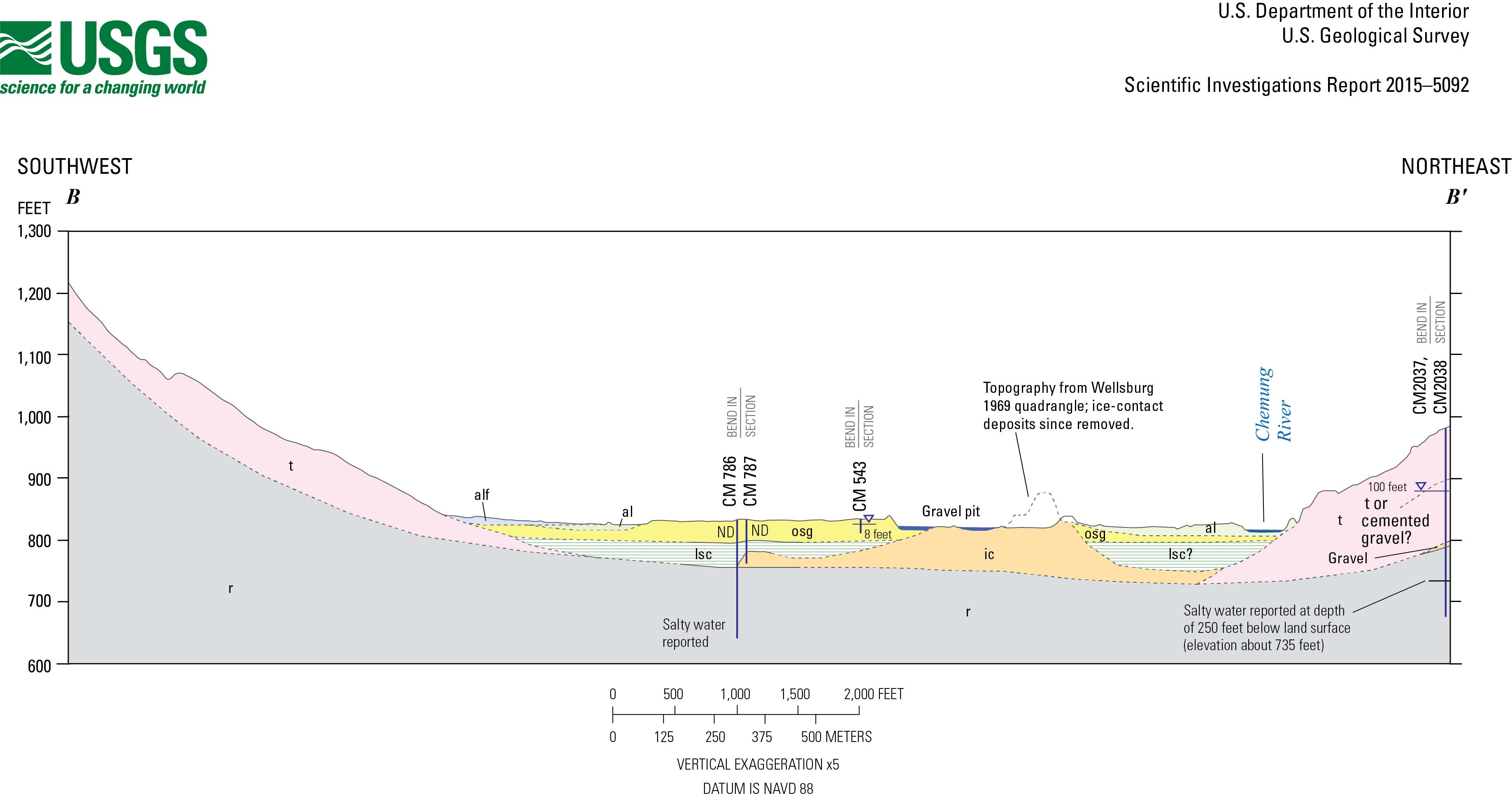
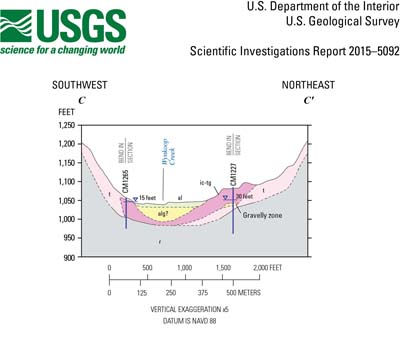
Scientific Investigations Report Report 2015–5092
|
|
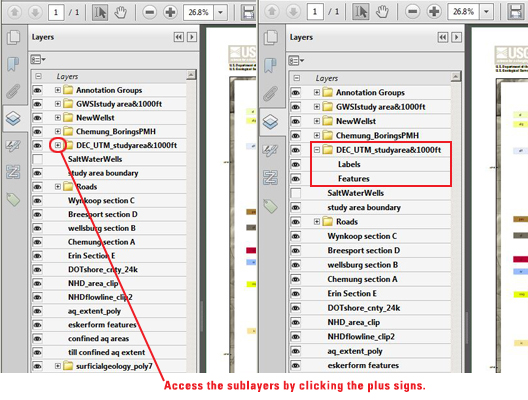
First posted October 21, 2015 For additional information, contact: Part or all of this report is presented in Portable Document Format (PDF). For best results viewing and printing PDF documents, it is recommended that you download the documents to your computer and open them with Adobe Reader. PDF documents opened from your browser may not display or print as intended. Download the latest version of Adobe Reader, free of charge. |

 U.S. Department of the Interior |
U.S. Geological Survey
U.S. Department of the Interior |
U.S. Geological Survey
URL: http://pubsdata.usgs.gov/pubs/sir/2015/5092/plate.html
Page Contact Information: GS Pubs Web Contact
Page Last Modified: Monday, 19-Oct-2015 12:04:38 EDT